
Homeowners can create a Home Account directly through the Atmozen App.
For systems that have already been installed and commissioned, use the same homeowner email address entered by the installer during system commissioning.
System Owners can follow the same procedure.
Instructions
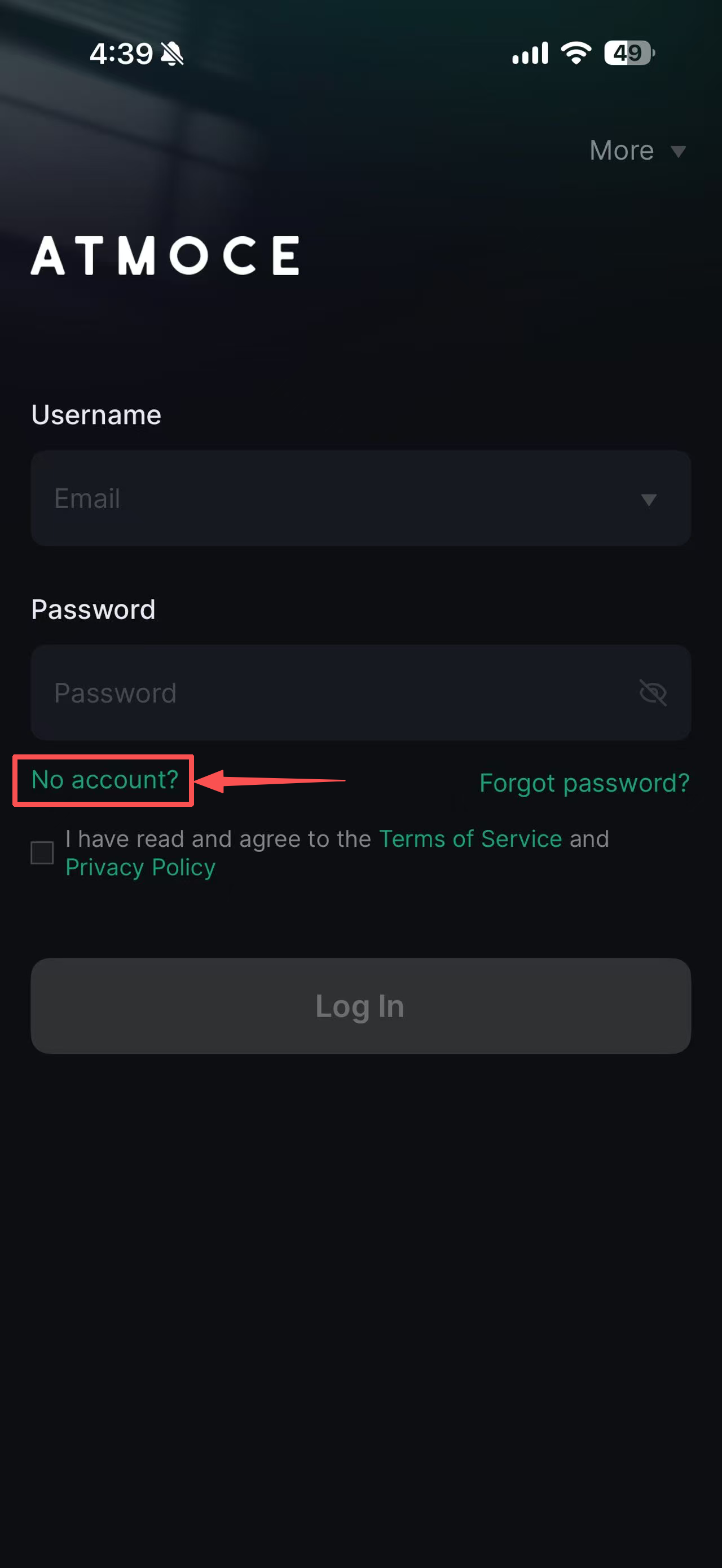
- On the login page, click No account?.
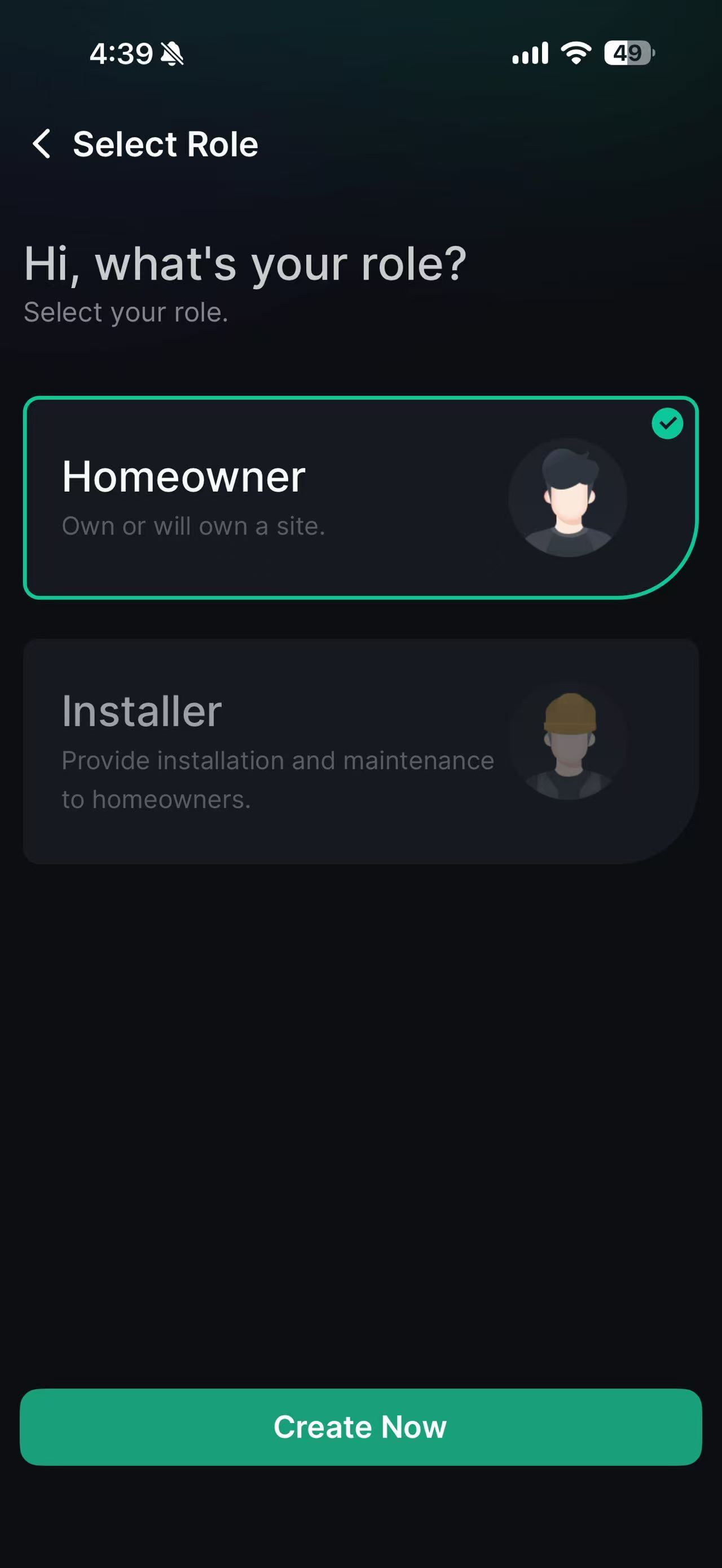
- Select Homeowner as the account role and click Create Now.
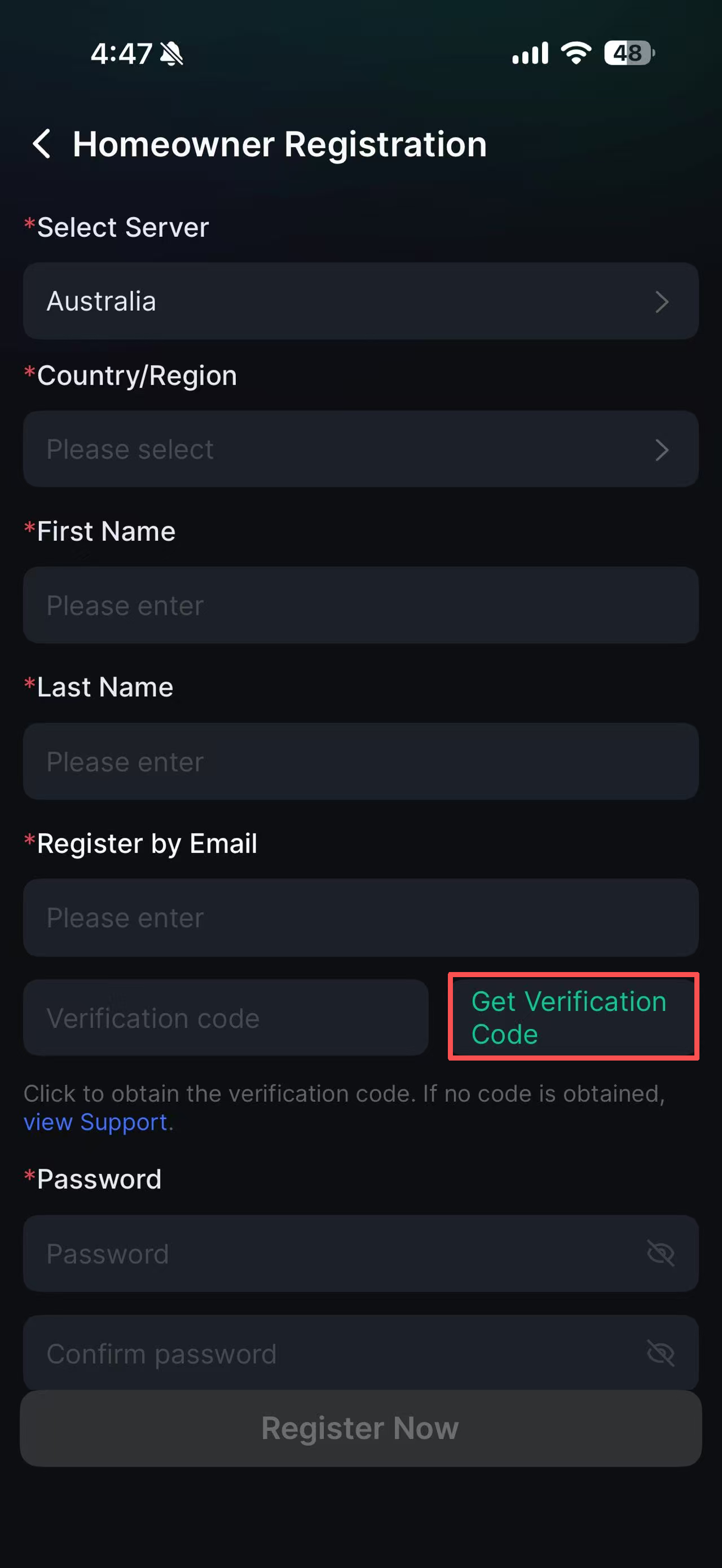
- Complete the required information and click Get Verification Code to confirm the email address.
- Check the registered email account and enter the verification code received.
- Check the registered email account and enter the verification code received.
- When completed, click Register Now.
Information in this article was current at the time of publication or last update. Product specifications, software, firmware and procedures may change. Please refer to the latest ATMOCE documentation before proceeding.