
If replacing both the MG100 and the MS-7K-U at the same time, replace the gateway before the battery.
Instructions
-
Power off and remove the defective device.
-
Install the replacement device.
-
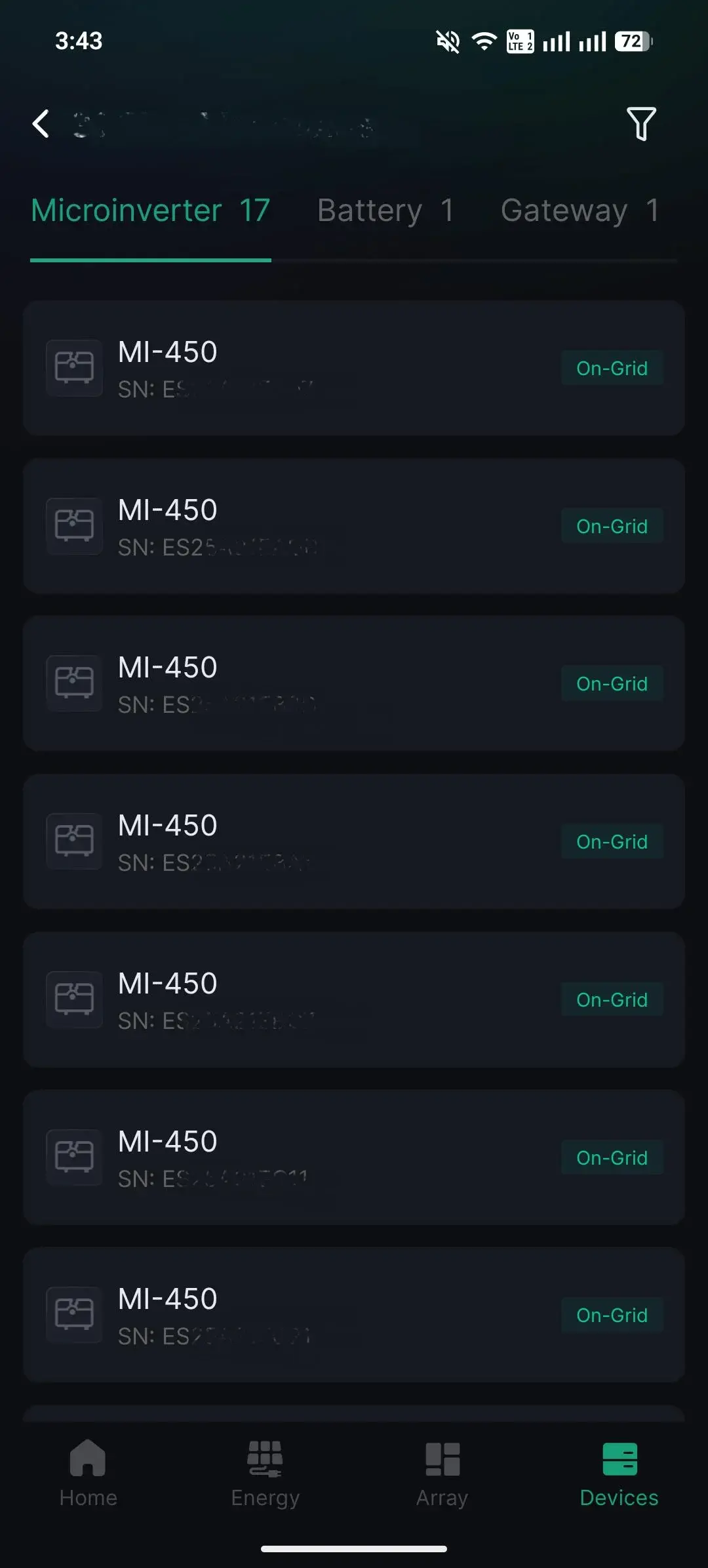
Open the Atmozen app and select the relevant plant.
- Click the Battery tab and select the Battery to be replaced.
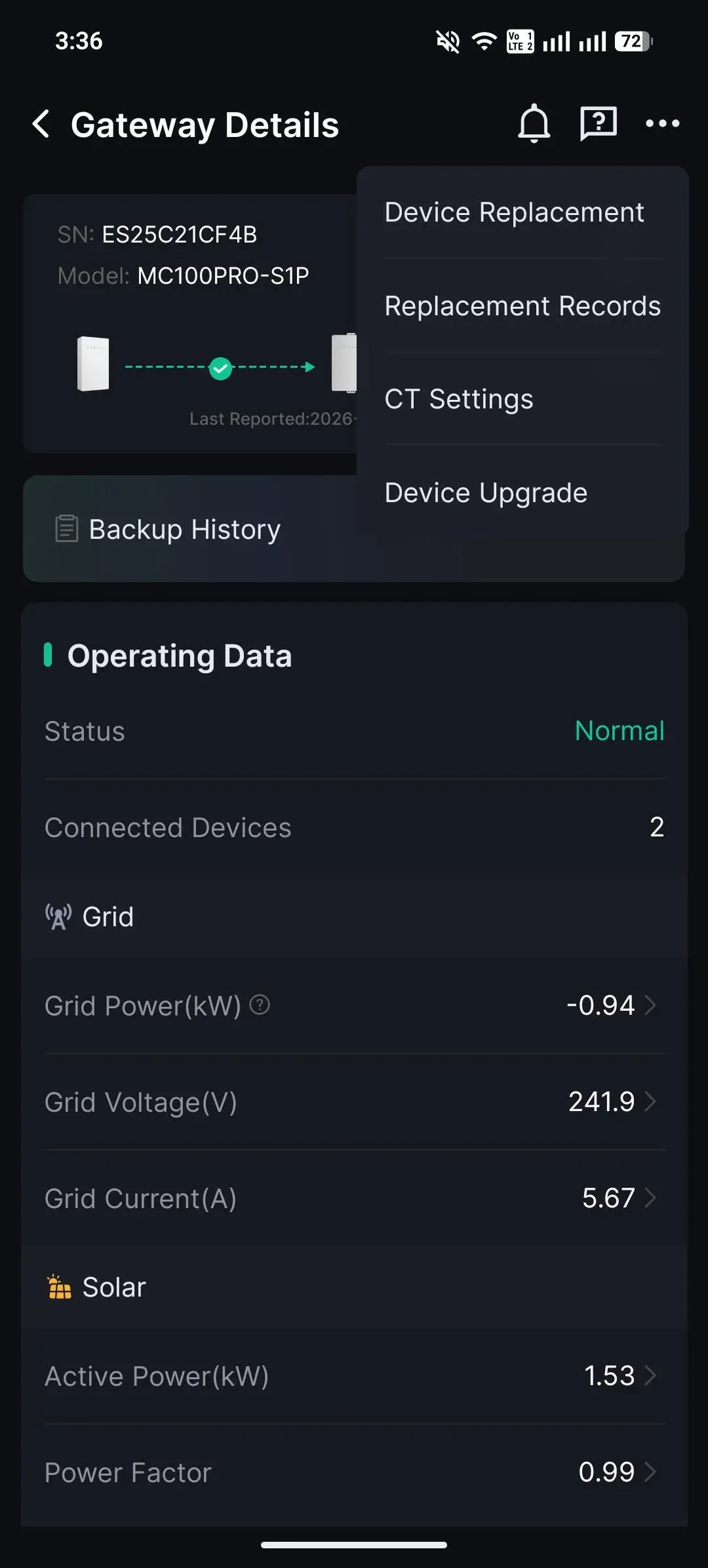
- Click on the ... at the top right of the app.
- Select Device Replacement.
- Enter the new device Serial Number.
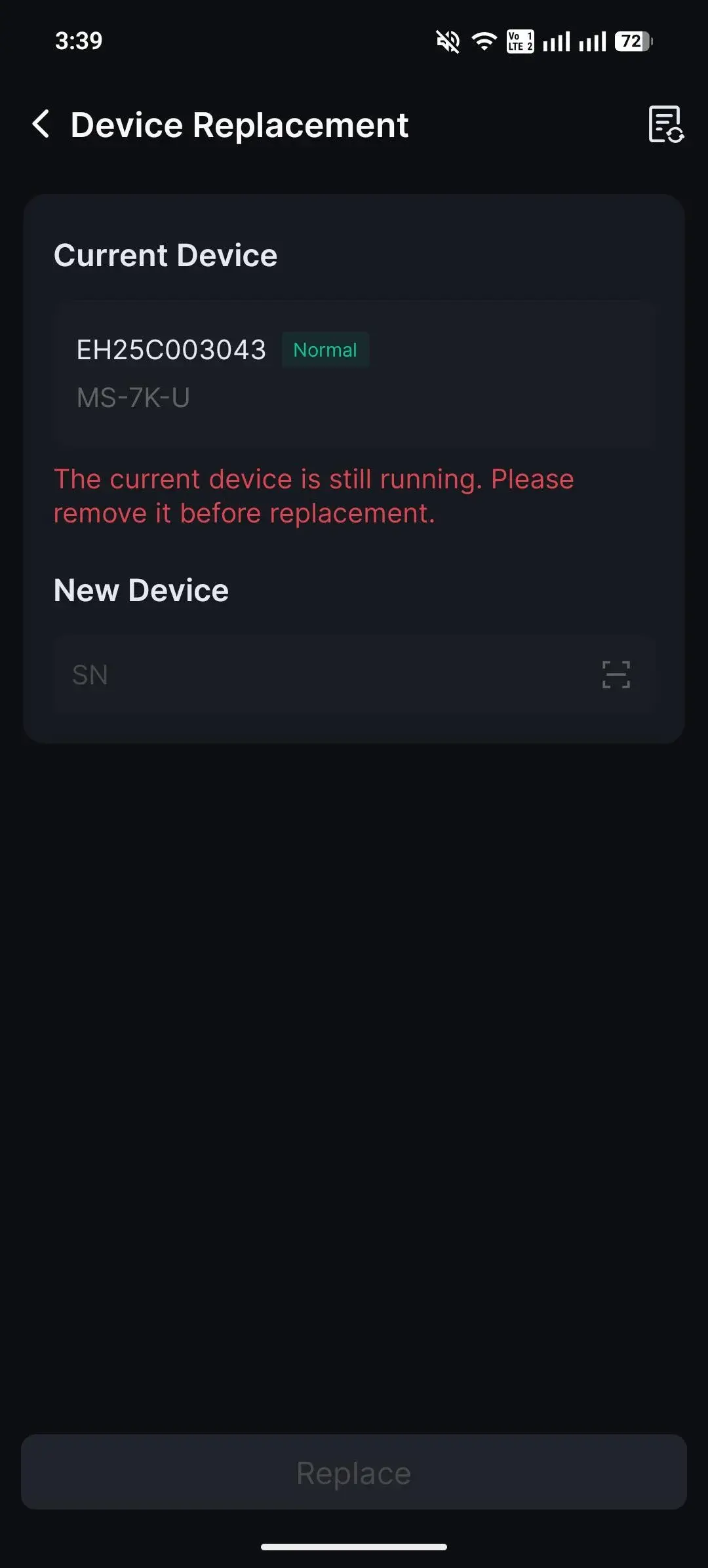
- Click Replace.
Information in this article was current at the time of publication or last update. Product specifications, software, firmware and procedures may change. Please refer to the latest ATMOCE documentation before proceeding.